ATS-friendly resume templates
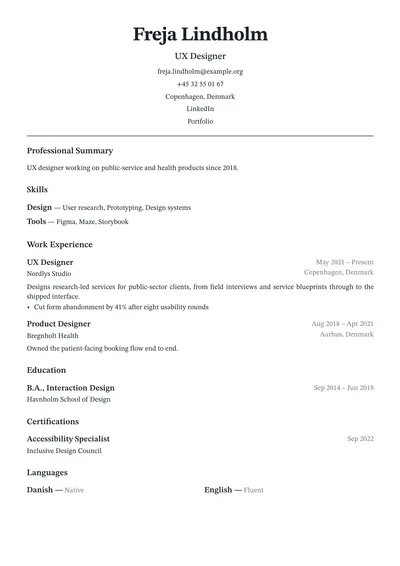
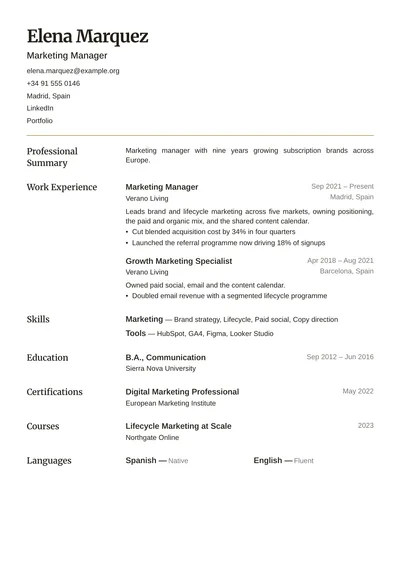
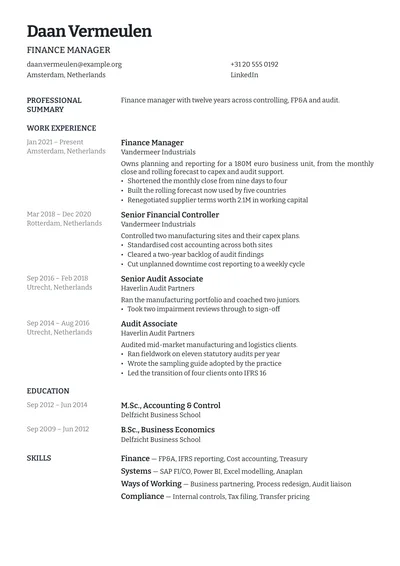
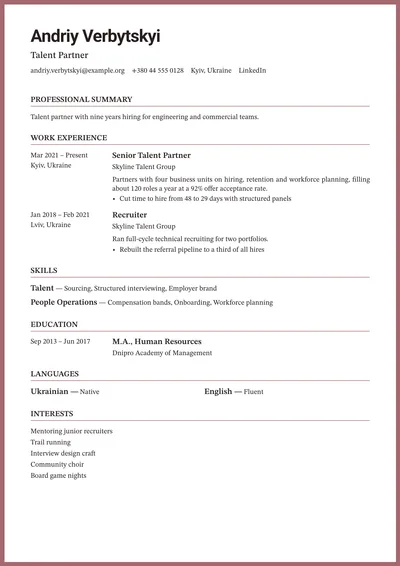
Every design on this page uses the same plain layout: one column, a plain background, a classic style and no photo. Every résumé you make in Fayna also comes in a separate, plain ATS version for online application forms.
What makes an ATS-friendly resume template
An ATS-friendly resume template is about format. The designs on this page were chosen by four points of layout:
- A single column. Your sections run from top to bottom in one reading order, with no side panels or text split across columns.
- No photo. The page holds only your text.
- A plain background. No colored panels or shapes sit behind the words.
- A classic style. Each design carries Fayna's classic style tag.
This layout says nothing about how any particular tracking system will handle your file. What it gives you is a clean, predictable structure that is also easy for a person to read.
These designs are not the ATS version itself. Every résumé you make in Fayna comes in two versions with the same facts: the designed version you pick here, to send to a person, and a plain ATS version in one column with standard headings and no graphics, to upload to online application forms.
ATS-friendly résumé designs
Classic designs in one column, with no photo, colour fill, background image or pattern. Each opens in the viewer with sample content.
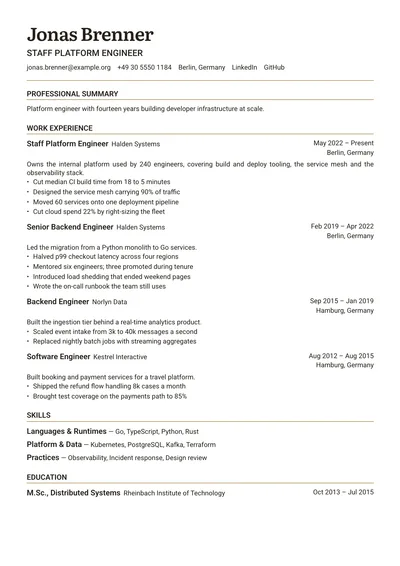
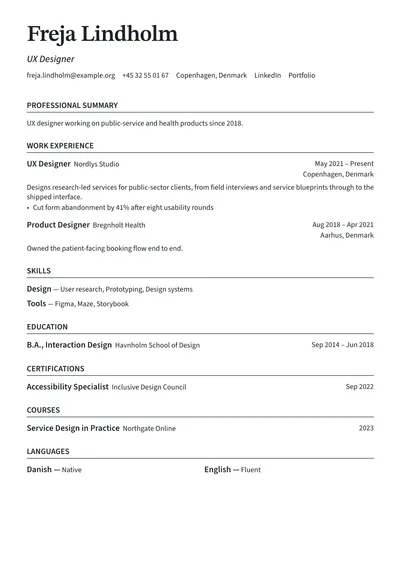
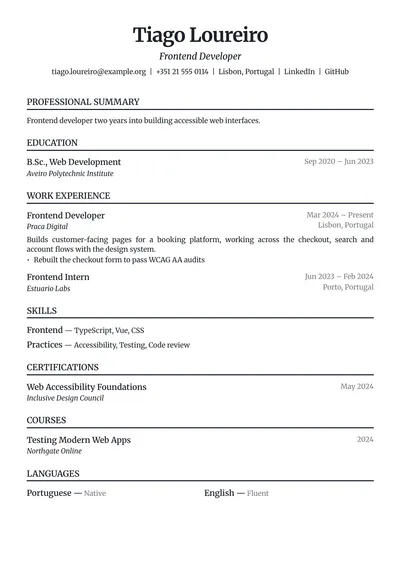
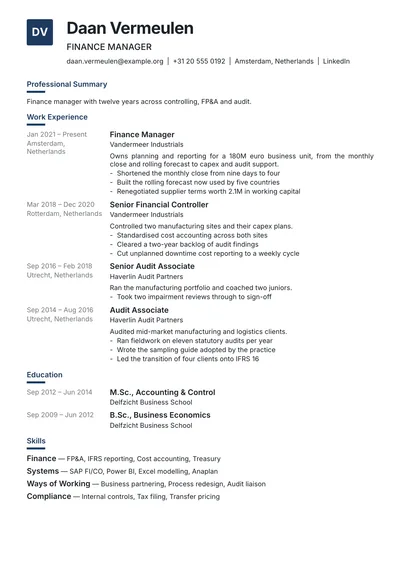
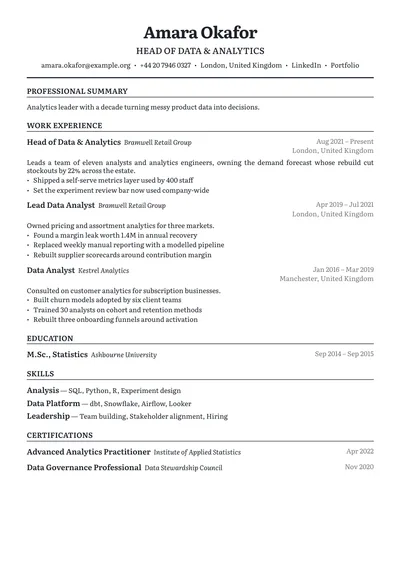
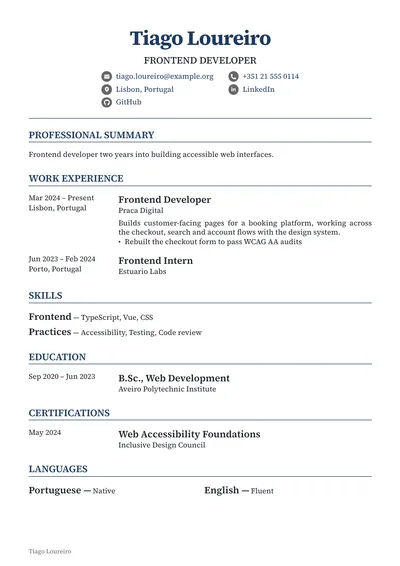
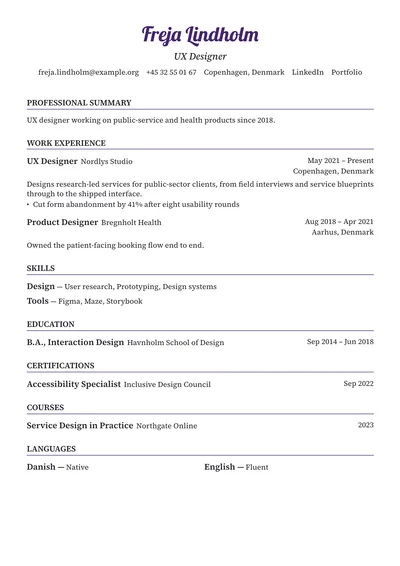
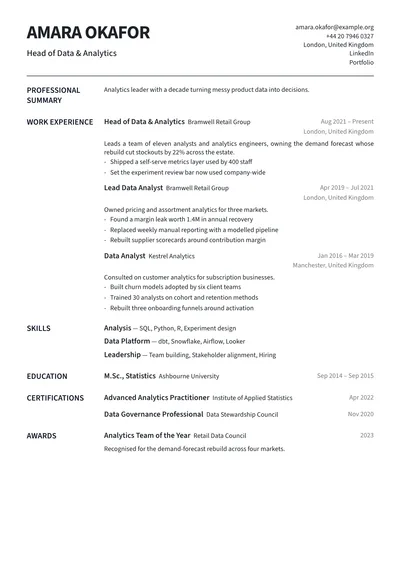
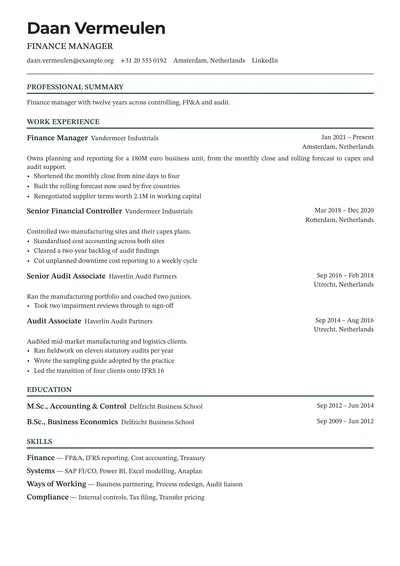
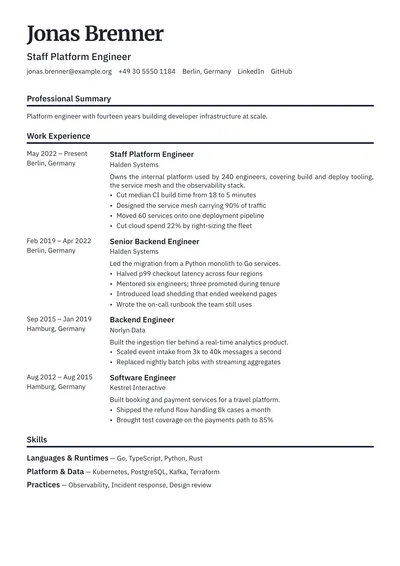
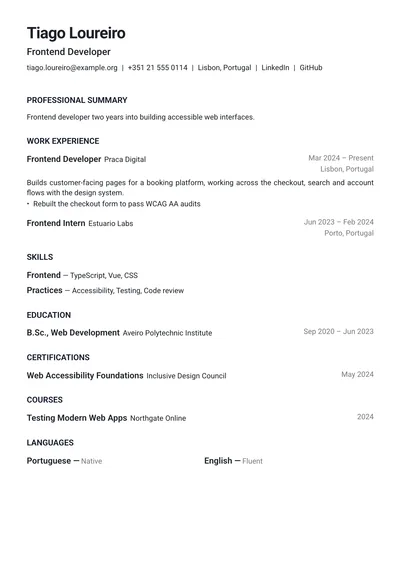
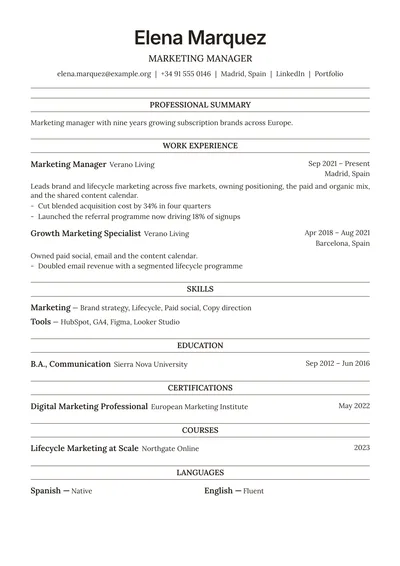
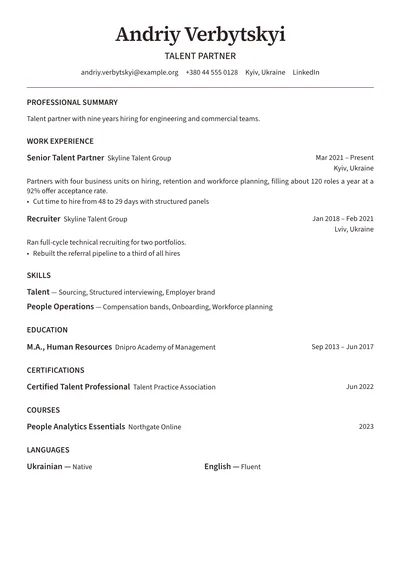
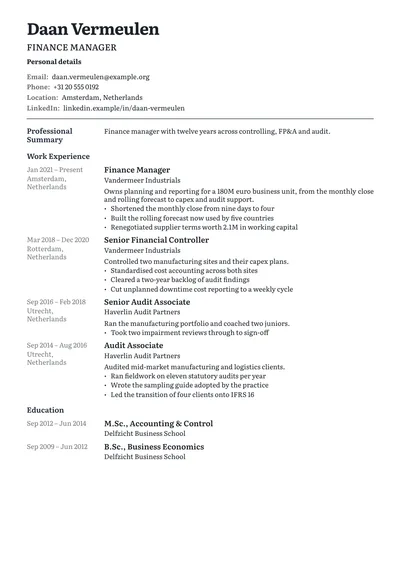
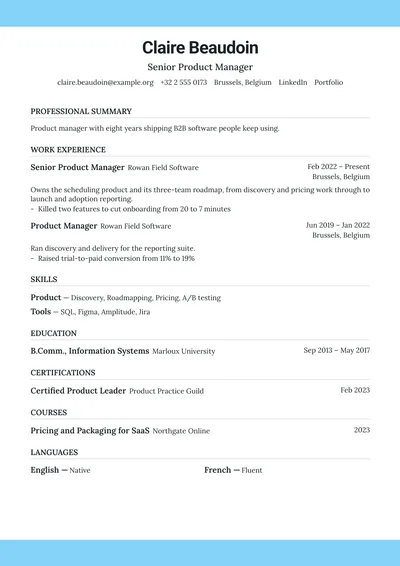
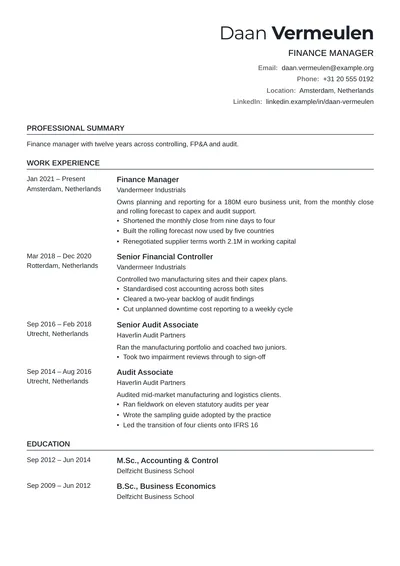
The 20 designs on this page
These are the 20 designs on this page, all built on the layout described above:
Girder, Masthead, Campus, Signet, Tribune, Quire, Tally, Ribbon, Laurel, Harbor, Flourish, Galley, Batten, Basalt, Memo, Stave, Pillar, Codex, Frieze and Dossier.
They differ in type, spacing and how headings are set, so you can pick the one that suits your field, whether you work in healthcare, trades, teaching, retail, finance or an office. To see every resume design, including two-column and photo layouts, visit the full resume templates gallery.
Keeping the content as plain as the layout
An ATS resume template takes care of the structure. The rest depends on what you write into it:
- Use familiar section headings such as Experience, Education and Skills, so readers know where to look.
- Type everything as text. Avoid putting key details inside images or graphics.
- Keep dates and job titles consistent from one entry to the next.
- Use the wording of the job posting where it honestly describes your experience, rather than synonyms only you would think of.
- Keep it focused. Lead each role with what you did and the results you can stand behind.
Followed together, these habits make any ATS formatted resume template work as intended: a plain page with clear, readable content.
Looking for a CV instead?
If you searched for an ATS friendly CV template, it helps to know which document you need. The page on resume vs CV explains the difference, and CV designs are collected in the CV templates gallery.
Questions about ATS-friendly resume templates
It is a resume design with a plain, predictable format. On this page that means a single column, a plain background, a classic style and no photo. It describes the layout, not how any specific system will treat your file.
People often search for an ATS-optimized resume template when they want this kind of layout. The designs here are chosen by format: one column, no photo, a plain background and a classic style. No template can promise an outcome, so the content you write matters just as much.
A single column keeps every section in one top-to-bottom reading order. There are no side panels or split areas, so the structure of your resume stays simple.
A photo was one of the things this selection leaves out, so the page carries only your text. If you want a design with a photo, the full resume templates gallery includes other layouts.
These are the 20 designs on this page, chosen by the layout rules described above. You can browse every resume design in the resume templates gallery and judge other layouts for yourself.
The plain layout is not tied to any field. It works for people in healthcare, education, trades, retail, administration, finance and many other kinds of work, as well as technical roles.